docs
Requirements
- Enable Dev Hub in your Org
- Install Salesforce CLI
- Install Git
- Install Fork
- Install Visual Studio Code
- Set Up Visual Studio Code
Clone Repository
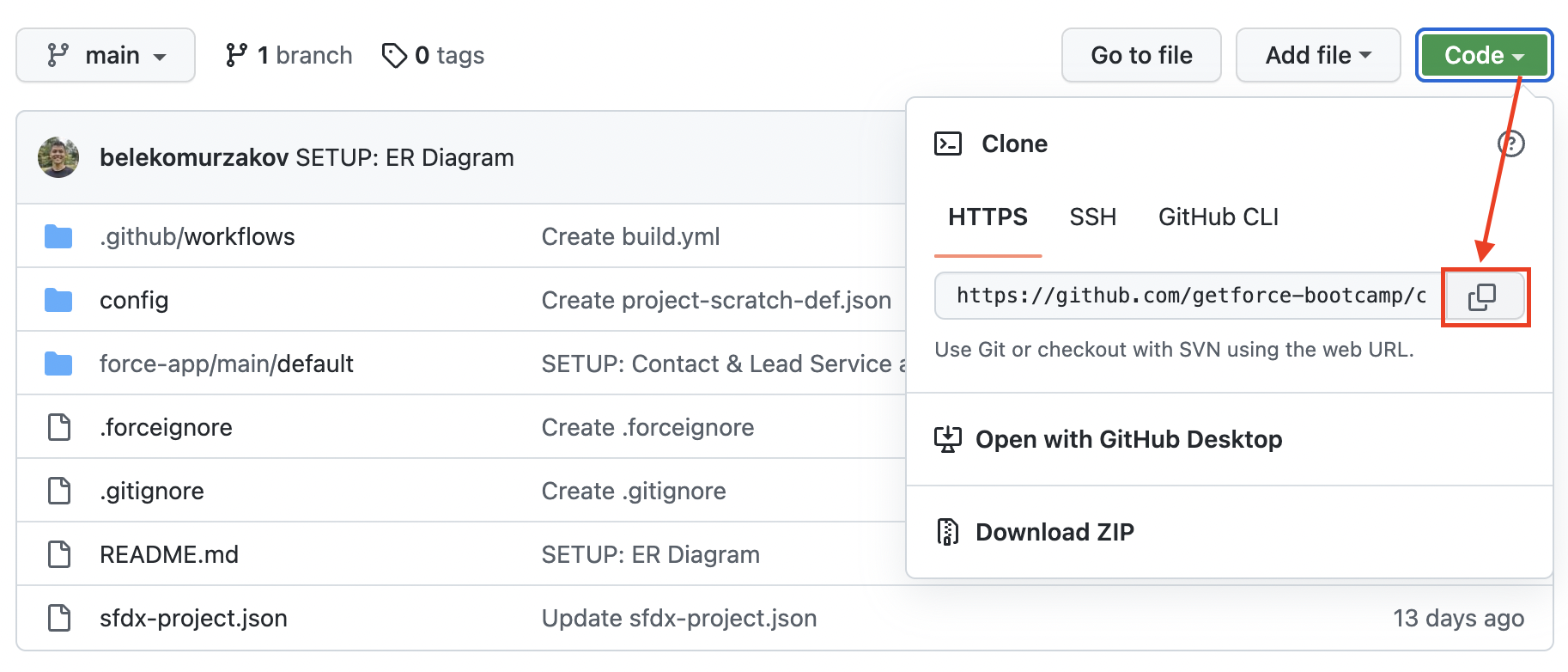
Copy address of project repository.
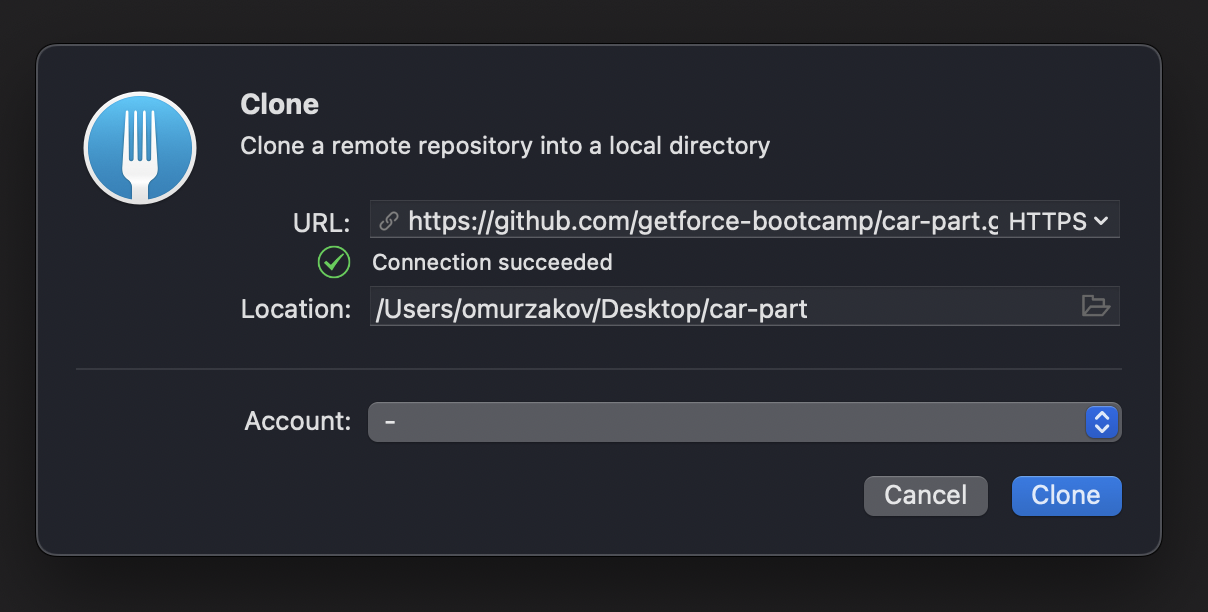
Open Fork application and go to File -> Clone. Paste your url in a new window and click Clone.
Visual Studio Code
Open new generated folder in Visual Studio Code and paste next command to Terminal in order to authorize your hub org:
sfdx auth:web:login -d -a devhub
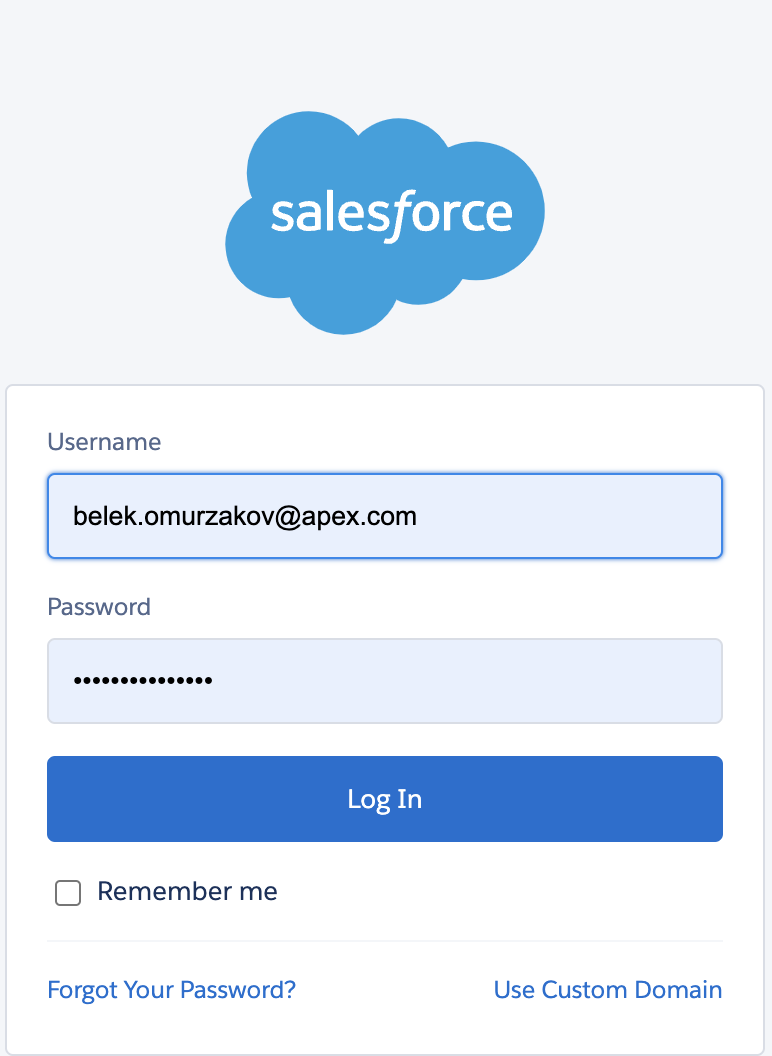
Authorize to your Salesforce org in a new opened login page:
Scratch Org
-
Create a scratch org:
sfdx force:org:create -s -f config/project-scratch-def.json -a app -
Push the app to your scratch org:
sfdx force:source:push -
Open the scratch org:
sfdx force:org:open